AI Venn Diagram Generator - Compare Concepts Visually
Compare 2-3 concepts and automatically visualize their similarities and differences. Perfect for comparisons, relationships, and category analysis.
Drag & drop your file
or
PDF, Word, PowerPoint, text, or image files (max 10MB)
About Create Venn Diagram from Text using AI
Example: Comparing React vs Vue frameworks
You'd type something like: "React: component-based, JSX, large ecosystem, steep learning curve. Vue: component-based, easier learning curve, smaller ecosystem, great documentation. Overlap: both are component-based, both reactive, both have strong community support."
You'd get back: a Venn diagram with React specifics on the left, Vue specifics on the right, and shared characteristics (component-based, reactive, community support) in the center intersection.
What makes this a unique AI tool:
Automatically identifies overlapping attributes from your description and positions them in the intersection area for maximum clarity.
100+ AI Tools for Students and Professionals
Or Create Your Own AI Tool in Seconds
How educators and students are using Miskies AI:
Aisha K: "I generated notes from a 2-hour lecture".
Tamara R: "I created a full quiz from a textbook chapter".
James R: "I got a visual breakdown of photosynthesis".
Sofia M: "I organised all my assignments in one place".
Amy P: "I turned a video documentary into lesson notes".
Aisha K: "I generated notes from a 2-hour lecture".
Tamara R: "I created a full quiz from a textbook chapter".
James R: "I got a visual breakdown of photosynthesis".
Sofia M: "I organised all my assignments in one place".
Amy P: "I turned a video documentary into lesson notes".
No code. No complexity. Just better learning.
See It in Action
It's really that easy to study with AI tools on Miskies AI.
Building an AI tool to review an uploaded resume based on your knowledge.
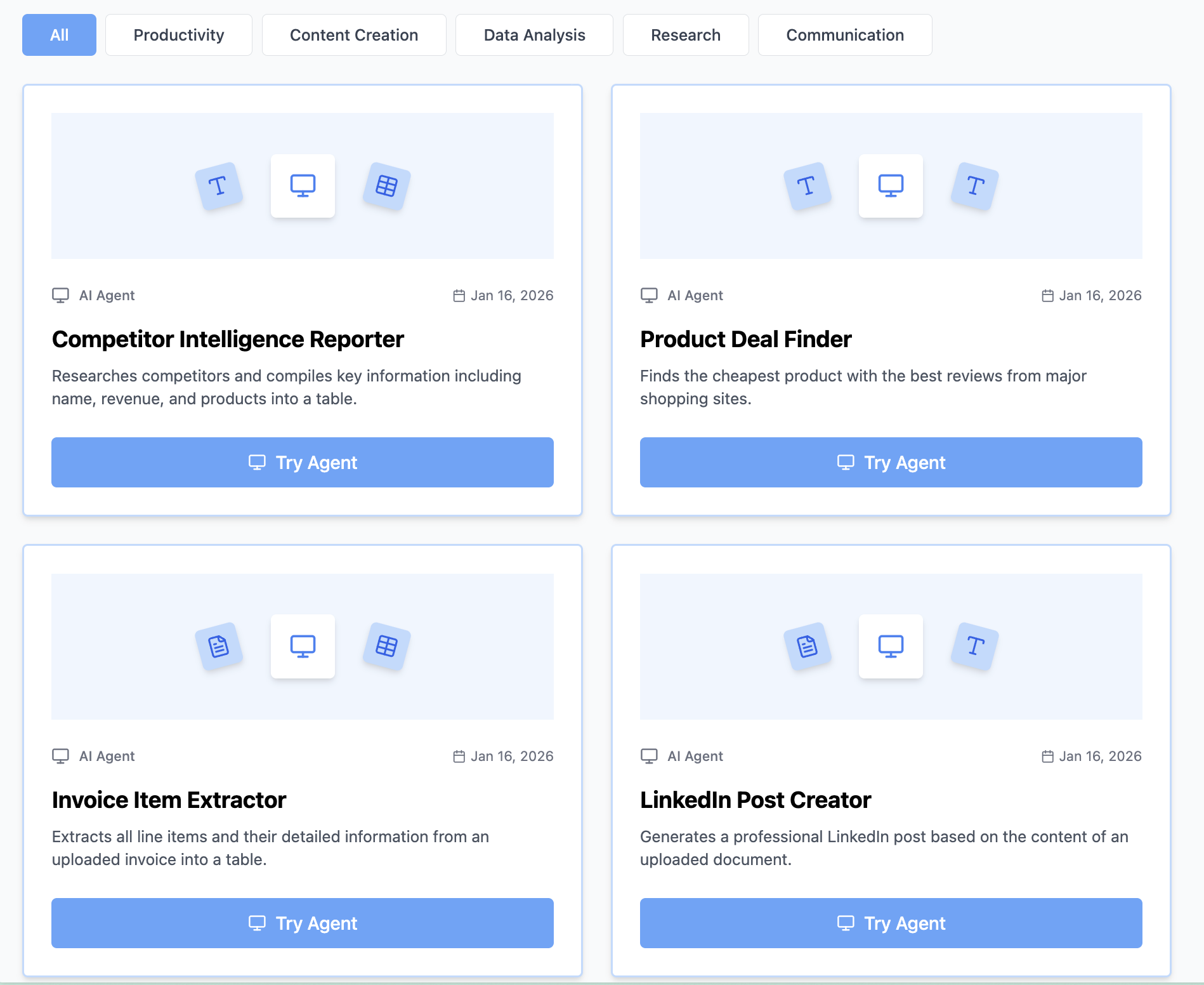
Think Miskies AI can't create the AI tool you need?
Tell us and we'll build it for you for free.
Create Your AI Tool in 3 Simple Steps
Select Your Input
Choose from docs, text, Excel, links, or any data source.
Edit the Instructions
Tweak the AI's behaviour to match your subject, grade level, or grading rubric.
Use It & Share It
Run your tool instantly and share a link with your students or colleagues.
Simple pricing, serious upgrade
Start free. Go Pro whenever you want to use more. Prices in USD.
Free
Try it out, no card needed
- Access to 100+ AI study tools
- Limited use - 5 times / day
- Create limited custom AI tools
Pro — 1 month
Full access, billed monthly
- Elevated access to all AI tools
- Create unlimited custom AI tools
- Faster generation speed
- Priority support
- Cancel anytime
Pro — 3 months
Best value for a semester
- Elevated access to all AI tools
- Create unlimited custom AI tools
- Faster generation speed
- Priority support
- Cancel anytime
Pro — 1 year
Best price per month
- Elevated access to all AI tools
- Create unlimited custom AI tools
- Faster generation speed
- Priority support
- Cancel anytime
What You Can Do With This Tool
Create competitive analysis Venn diagrams for product marketing presentations
Visualize skill overlap between job roles for HR and recruitment documentation
Compare market segments to identify niche opportunities for business strategy
Illustrate concept relationships for educational materials and training decks
Map stakeholder interests and concerns for project alignment meetings
Why Everyone's Using It
- Compare 2-3 concepts with ease
- Automatically identifies similarities and differences
- Clear visual representation of relationships
- Perfect for analysis and presentations
Frequently Asked Questions
Can I compare more than two things?
Yes—describe three concepts and the generator creates a three-circle Venn diagram showing all overlaps.
Is this good for academic work?
Absolutely—Venn diagrams are standard for comparing concepts in essays, presentations, and analysis.
Can I use this for market positioning?
Yes, showing how your product overlaps and differs from competitors is a classic competitive positioning Venn diagram.
What if there's no overlap?
If concepts don't intersect, the generator still creates separate circles to show they're distinct.