AI Social Media Post Generator - Posts That Drive Engagement
Create scroll-stopping social media content for any platform. Our AI crafts posts optimized for engagement with the right tone, length, and hashtags for each network.
Drag & drop your file
or
PDF, Word, PowerPoint, text, or image files (max 10MB)
About AI Social Media Post Generator - Create Engaging Posts
Example: A marketing manager needs posts for three platforms announcing a product feature launch
You'd type something like: Topic: Launching a new AI-powered dashboard in our project management app. Audience: existing customers and potential B2B buyers. Platforms: LinkedIn, Instagram, and Twitter/X. Tone: excited but professional.
You'd get back: Three platform-specific posts: a LinkedIn post with a business value angle and low-key CTA, an Instagram caption with visual language and emoji formatting, and a punchy X/Twitter version under 280 characters — all with relevant hashtags.
What makes this a unique AI tool:
Writes differently for each platform by design: punchy and informal for X/Twitter, visual-first for Instagram, story-driven for Facebook, authoritative for LinkedIn — not just the same post with different hashtags.
100+ AI Tools for Students and Professionals
Or Create Your Own AI Tool in Seconds
How educators and students are using Miskies AI:
Aisha K: "I generated notes from a 2-hour lecture".
Tamara R: "I created a full quiz from a textbook chapter".
James R: "I got a visual breakdown of photosynthesis".
Sofia M: "I organised all my assignments in one place".
Amy P: "I turned a video documentary into lesson notes".
Aisha K: "I generated notes from a 2-hour lecture".
Tamara R: "I created a full quiz from a textbook chapter".
James R: "I got a visual breakdown of photosynthesis".
Sofia M: "I organised all my assignments in one place".
Amy P: "I turned a video documentary into lesson notes".
No code. No complexity. Just better learning.
See It in Action
It's really that easy to study with AI tools on Miskies AI.
Building an AI tool to review an uploaded resume based on your knowledge.
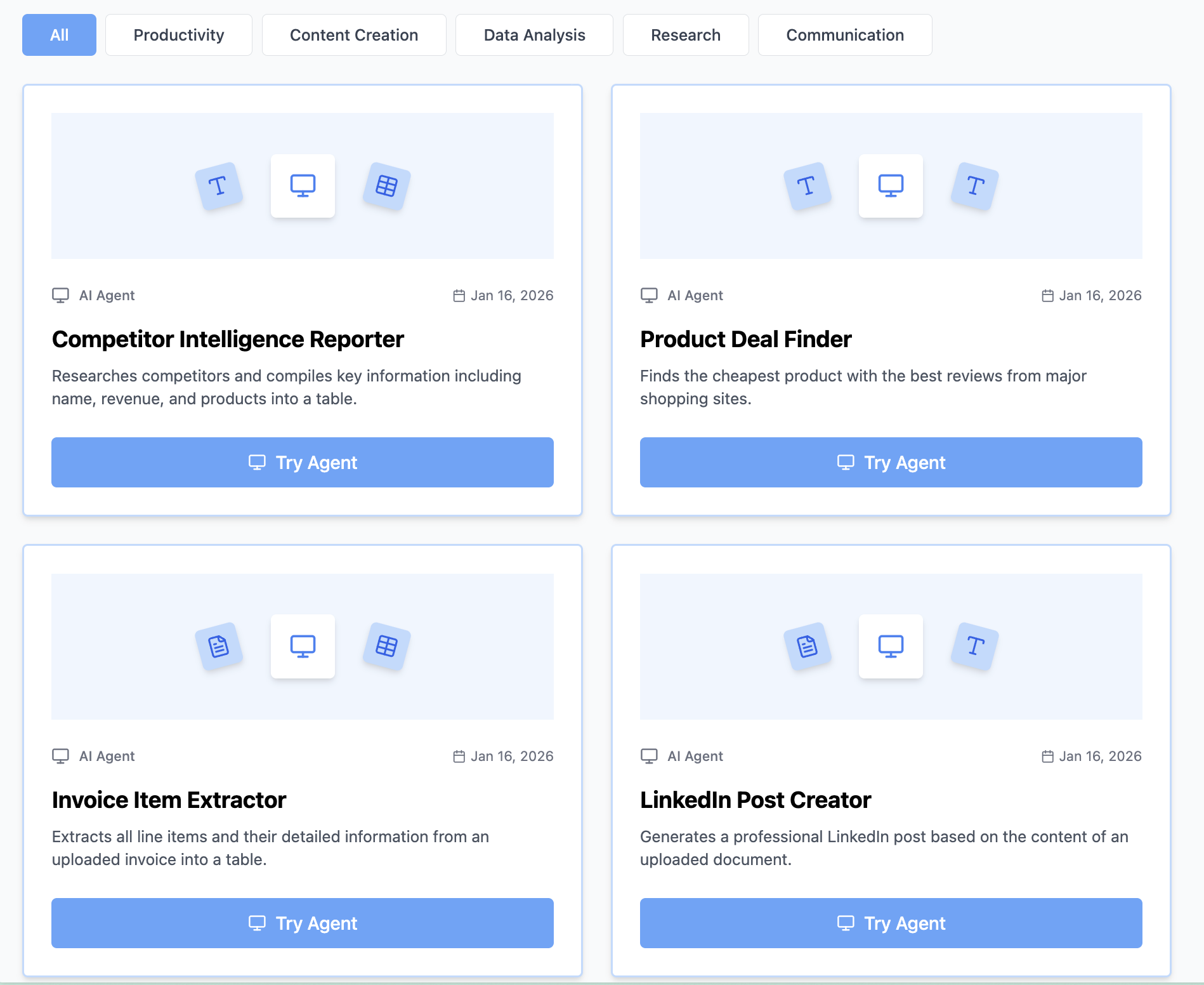
Think Miskies AI can't create the AI tool you need?
Tell us and we'll build it for you for free.
Create Your AI Tool in 3 Simple Steps
Select Your Input
Choose from docs, text, Excel, links, or any data source.
Edit the Instructions
Tweak the AI's behaviour to match your subject, grade level, or grading rubric.
Use It & Share It
Run your tool instantly and share a link with your students or colleagues.
Simple pricing, serious upgrade
Start free. Go Pro whenever you want to use more. Prices in USD.
Free
Try it out, no card needed
- Access to 100+ AI study tools
- Limited use - 5 times / day
- Create limited custom AI tools
Pro — 1 month
Full access, billed monthly
- Elevated access to all AI tools
- Create unlimited custom AI tools
- Faster generation speed
- Priority support
- Cancel anytime
Pro — 3 months
Best value for a semester
- Elevated access to all AI tools
- Create unlimited custom AI tools
- Faster generation speed
- Priority support
- Cancel anytime
Pro — 1 year
Best price per month
- Elevated access to all AI tools
- Create unlimited custom AI tools
- Faster generation speed
- Priority support
- Cancel anytime
What You Can Do With This Tool
Create social media posts for marketing teams managing brand presence
Generate platform-specific content for social media managers
Develop engaging posts for influencers and content creators
Craft announcement posts for company updates and launches
Write thought leadership content for professional networking
Why Everyone's Using It
- Platform-specific formatting and tone
- Engagement-optimized content
- Relevant hashtag suggestions
- Multiple variations for testing
Frequently Asked Questions
Can I generate posts for multiple platforms at once?
Yes — mention all the platforms you need in your input (e.g. 'write for LinkedIn, Instagram, and Twitter') and you'll get a tailored version for each in one output.
How do I make posts that get comments, not just likes?
The generator ends posts with an engagement prompt by default — a question or opinion invite that gives followers a reason to reply. Likes are passive; questions drive conversation.
How many hashtags should I use?
It depends on the platform: 3-5 for LinkedIn, 5-10 for Instagram, 1-3 for X/Twitter. The generator follows platform-specific best practices automatically.
Can I repurpose a blog post or article into social content?
Absolutely. Paste a summary or key points from your article into the input and specify the platform — the generator will extract shareable angles and format them appropriately.