AI Lesson Plan Generator - Create Structured Teaching Plans
Create detailed, effective lesson plans in minutes. Our AI helps teachers design engaging, standards-aligned lessons with clear objectives, activities, and assessments.
Drag & drop your file
or
PDF, Word, PowerPoint, text, or image files (max 10MB)
About AI Lesson Plan Generator for Teachers
Example: A 4th grade teacher needs a 45-minute math lesson on fractions for a mixed-ability class
You'd type something like: 4th grade math, introduction to equivalent fractions. 45 minutes. Mix of advanced and struggling students. Have access to fraction tiles and whiteboards.
You'd get back: Full lesson plan with warm-up activity, direct instruction segment, guided practice with fraction tiles, independent work, and an exit ticket — plus differentiation notes for both struggling and advanced learners.
What makes this a unique AI tool:
Goes beyond a simple outline: includes differentiation strategies, timing breakdowns, and formative assessment checkpoints that experienced teachers actually use.
100+ AI Tools for Students and Professionals
Or Create Your Own AI Tool in Seconds
How educators and students are using Miskies AI:
Aisha K: "I generated notes from a 2-hour lecture".
Tamara R: "I created a full quiz from a textbook chapter".
James R: "I got a visual breakdown of photosynthesis".
Sofia M: "I organised all my assignments in one place".
Amy P: "I turned a video documentary into lesson notes".
Aisha K: "I generated notes from a 2-hour lecture".
Tamara R: "I created a full quiz from a textbook chapter".
James R: "I got a visual breakdown of photosynthesis".
Sofia M: "I organised all my assignments in one place".
Amy P: "I turned a video documentary into lesson notes".
No code. No complexity. Just better learning.
See It in Action
It's really that easy to study with AI tools on Miskies AI.
Building an AI tool to review an uploaded resume based on your knowledge.
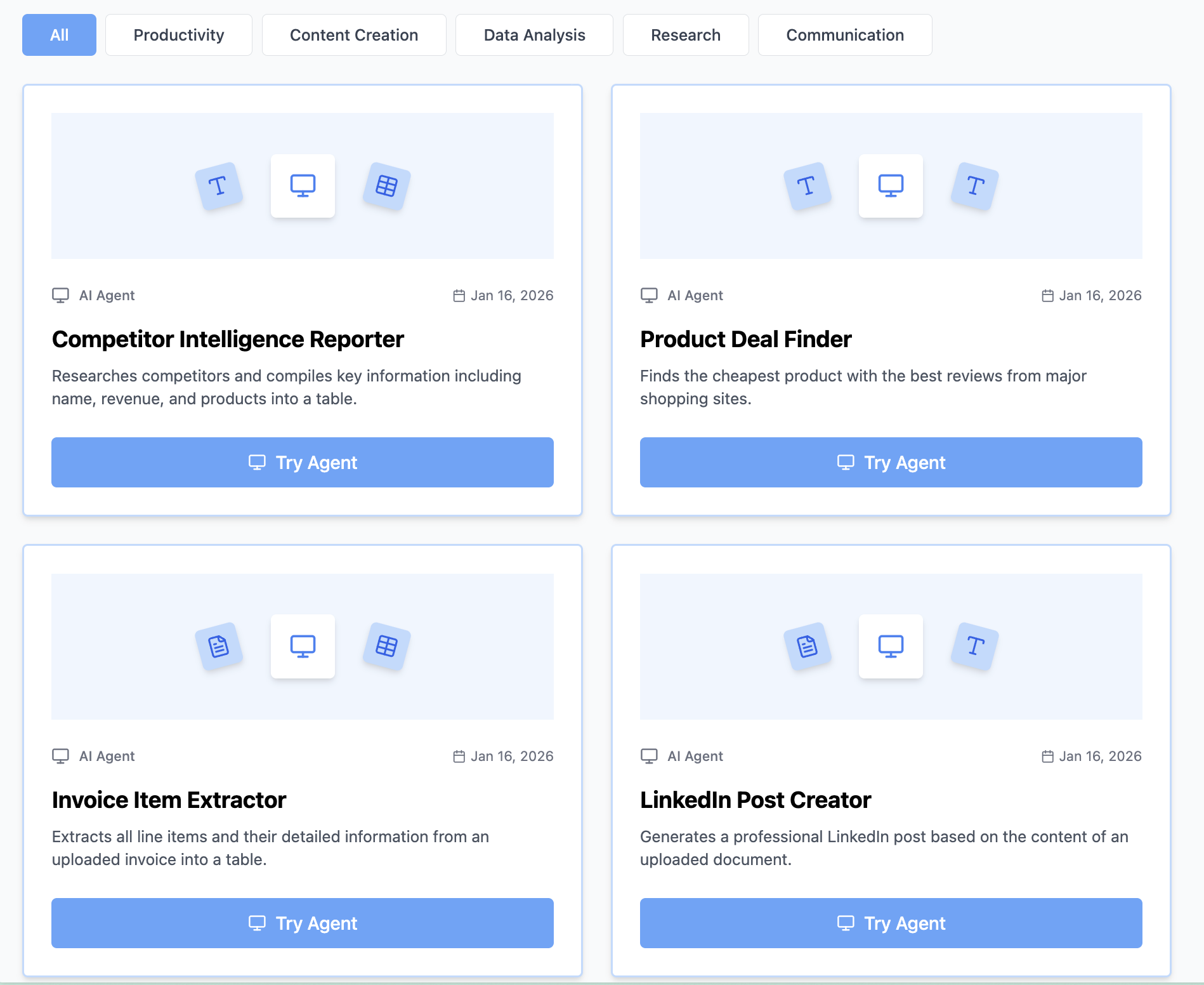
Think Miskies AI can't create the AI tool you need?
Tell us and we'll build it for you for free.
Create Your AI Tool in 3 Simple Steps
Select Your Input
Choose from docs, text, Excel, links, or any data source.
Edit the Instructions
Tweak the AI's behaviour to match your subject, grade level, or grading rubric.
Use It & Share It
Run your tool instantly and share a link with your students or colleagues.
Simple pricing, serious upgrade
Start free. Go Pro whenever you want to use more. Prices in USD.
Free
Try it out, no card needed
- Access to 100+ AI study tools
- Limited use - 5 times / day
- Create limited custom AI tools
Pro — 1 month
Full access, billed monthly
- Elevated access to all AI tools
- Create unlimited custom AI tools
- Faster generation speed
- Priority support
- Cancel anytime
Pro — 3 months
Best value for a semester
- Elevated access to all AI tools
- Create unlimited custom AI tools
- Faster generation speed
- Priority support
- Cancel anytime
Pro — 1 year
Best price per month
- Elevated access to all AI tools
- Create unlimited custom AI tools
- Faster generation speed
- Priority support
- Cancel anytime
What You Can Do With This Tool
Create comprehensive lesson plans for daily classroom instruction and substitute teachers
Generate standards-aligned lessons for curriculum planning and department requirements
Develop differentiated instruction plans for diverse learner needs and IEPs
Write engaging activity sequences for interactive learning and student engagement
Plan assessment strategies for formative evaluation and learning outcome measurement
Why Everyone's Using It
- Complete lesson structure with timing
- Learning objectives and standards alignment
- Engaging activities and assessments
- Differentiation strategies included
Frequently Asked Questions
Can I use this for any grade level or subject?
Yes — it works for K-12 across all subjects. Just specify grade level, subject, and any standards you need to align to and the plan will be tailored accordingly.
Will it align to Common Core or state standards?
If you mention the standard (e.g. CCSS.MATH.3.NF.A.1), the plan will reference it. For best results, include the standard code or describe the skill in your input.
Can I generate plans for substitute teachers?
Absolutely. Add 'sub-friendly' to your description and the output will include extra context and self-directed activities that work without the regular teacher present.
How do I handle differentiation for IEP students?
Mention any specific accommodations or learning needs in your input (e.g. 'two students with reading IEPs') and the plan will include suggested modifications.