AI Comparison Table Generator - Clear Product Comparison Charts
Create easy-to-understand comparison tables that highlight key differences between products or services. Our AI structures your content into clear, scannable tables that help buyers make informed decisions.
Drag & drop your file
or
PDF, Word, PowerPoint, text, or image files (max 10MB)
About AI Comparison Table Generator - Create Product Comparison Charts
Example: A SaaS company wants a comparison table on their pricing page showing how they stack up against two competitors
You'd type something like: Compare our tool (Notion) vs Confluence vs Coda across: pricing (per user/month), free plan availability, AI features, offline access, database functionality, learning curve, and best team size. We want to be honest but highlight our strengths.
You'd get back: A 7-row comparison table with checkmarks, tier labels, and short notes where binary yes/no isn't enough, a 'Best For' column at the bottom ('Notion: small teams wanting flexibility', 'Confluence: large orgs on Atlassian stack', 'Coda: teams who need advanced automation'), and a brief summary paragraph below the table.
What makes this a unique AI tool:
Includes a 'Best For' column and a summary row with scenario-based recommendations — so it's not just a data dump but an actual decision aid that reduces buyer paralysis.
100+ AI Tools for Students and Professionals
Or Create Your Own AI Tool in Seconds
How educators and students are using Miskies AI:
Aisha K: "I generated notes from a 2-hour lecture".
Tamara R: "I created a full quiz from a textbook chapter".
James R: "I got a visual breakdown of photosynthesis".
Sofia M: "I organised all my assignments in one place".
Amy P: "I turned a video documentary into lesson notes".
Aisha K: "I generated notes from a 2-hour lecture".
Tamara R: "I created a full quiz from a textbook chapter".
James R: "I got a visual breakdown of photosynthesis".
Sofia M: "I organised all my assignments in one place".
Amy P: "I turned a video documentary into lesson notes".
No code. No complexity. Just better learning.
See It in Action
It's really that easy to study with AI tools on Miskies AI.
Building an AI tool to review an uploaded resume based on your knowledge.
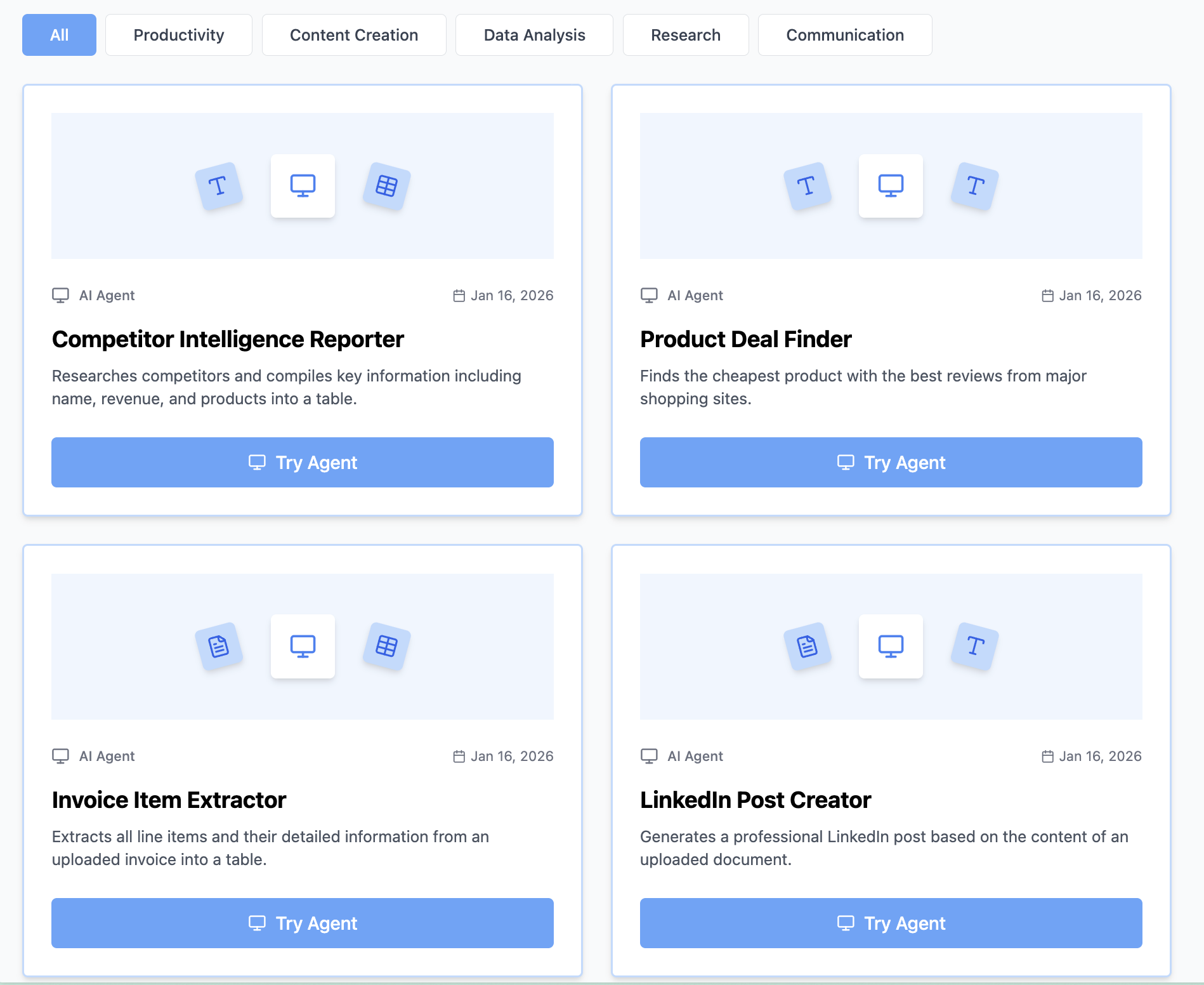
Think Miskies AI can't create the AI tool you need?
Tell us and we'll build it for you for free.
Create Your AI Tool in 3 Simple Steps
Select Your Input
Choose from docs, text, Excel, links, or any data source.
Edit the Instructions
Tweak the AI's behaviour to match your subject, grade level, or grading rubric.
Use It & Share It
Run your tool instantly and share a link with your students or colleagues.
Simple pricing, serious upgrade
Start free. Go Pro whenever you want to use more. Prices in USD.
Free
Try it out, no card needed
- Access to 100+ AI study tools
- Limited use - 5 times / day
- Create limited custom AI tools
Pro — 1 month
Full access, billed monthly
- Elevated access to all AI tools
- Create unlimited custom AI tools
- Faster generation speed
- Priority support
- Cancel anytime
Pro — 3 months
Best value for a semester
- Elevated access to all AI tools
- Create unlimited custom AI tools
- Faster generation speed
- Priority support
- Cancel anytime
Pro — 1 year
Best price per month
- Elevated access to all AI tools
- Create unlimited custom AI tools
- Faster generation speed
- Priority support
- Cancel anytime
What You Can Do With This Tool
Create comparison tables for marketing teams producing buyer education content
Generate competitive analysis tables for sales enablement materials
Develop feature comparison charts for SaaS products
Craft service provider comparisons for lead nurturing
Write product comparison tables for review sites
Why Everyone's Using It
- Clean, scannable markdown table format
- Key differences highlighted effectively
- Best-for recommendations per option
- Summary row for quick decision-making
Frequently Asked Questions
How many products can I compare at once?
2-5 is the readable range for a table. More than 5 columns and the table becomes hard to scan, especially on mobile. For larger comparisons, consider splitting by category or using the comparison guide format instead.
What criteria should I include?
Lead with the criteria your buyers actually care about most — usually price, core features, and ease of use. The generator picks relevant criteria based on the product type if you don't specify, but you can override with your own list.
Can I include my own product vs. competitors?
Yes — the table is designed to be balanced and factual. For competitive use on your own site, mention that in your input and the 'Best For' framing will highlight your strengths without being overtly biased.
Will the table render correctly in HTML or Notion?
The output uses standard markdown table syntax which renders correctly in most tools: Notion, Confluence, GitHub, and most web markdown renderers. For custom HTML, a developer can convert it in a few minutes.