AI Bridge Diagram Generator - Visualize Transformation
Create bridge diagrams to show the journey from current state to desired future state. Perfect for change management and strategic planning.
Drag & drop your file
or
PDF, Word, PowerPoint, text, or image files (max 10MB)
About Create Bridge Diagram from Text using AI
Example: Change management lead planning digital transformation
You'd type something like: Current: paper-based processes, siloed teams. Future: integrated CRM, cross-functional workflows. Bridge: training, phased rollout, feedback loops.
You'd get back: Left side shows current state, right side shows future state, middle shows transition steps and dependencies.
What makes this a unique AI tool:
Emphasizes the transition journey—perfect for showing what connects one side to the other, not just the endpoints.
100+ AI Tools for Students and Professionals
Or Create Your Own AI Tool in Seconds
How educators and students are using Miskies AI:
Aisha K: "I generated notes from a 2-hour lecture".
Tamara R: "I created a full quiz from a textbook chapter".
James R: "I got a visual breakdown of photosynthesis".
Sofia M: "I organised all my assignments in one place".
Amy P: "I turned a video documentary into lesson notes".
Aisha K: "I generated notes from a 2-hour lecture".
Tamara R: "I created a full quiz from a textbook chapter".
James R: "I got a visual breakdown of photosynthesis".
Sofia M: "I organised all my assignments in one place".
Amy P: "I turned a video documentary into lesson notes".
No code. No complexity. Just better learning.
See It in Action
It's really that easy to study with AI tools on Miskies AI.
Building an AI tool to review an uploaded resume based on your knowledge.
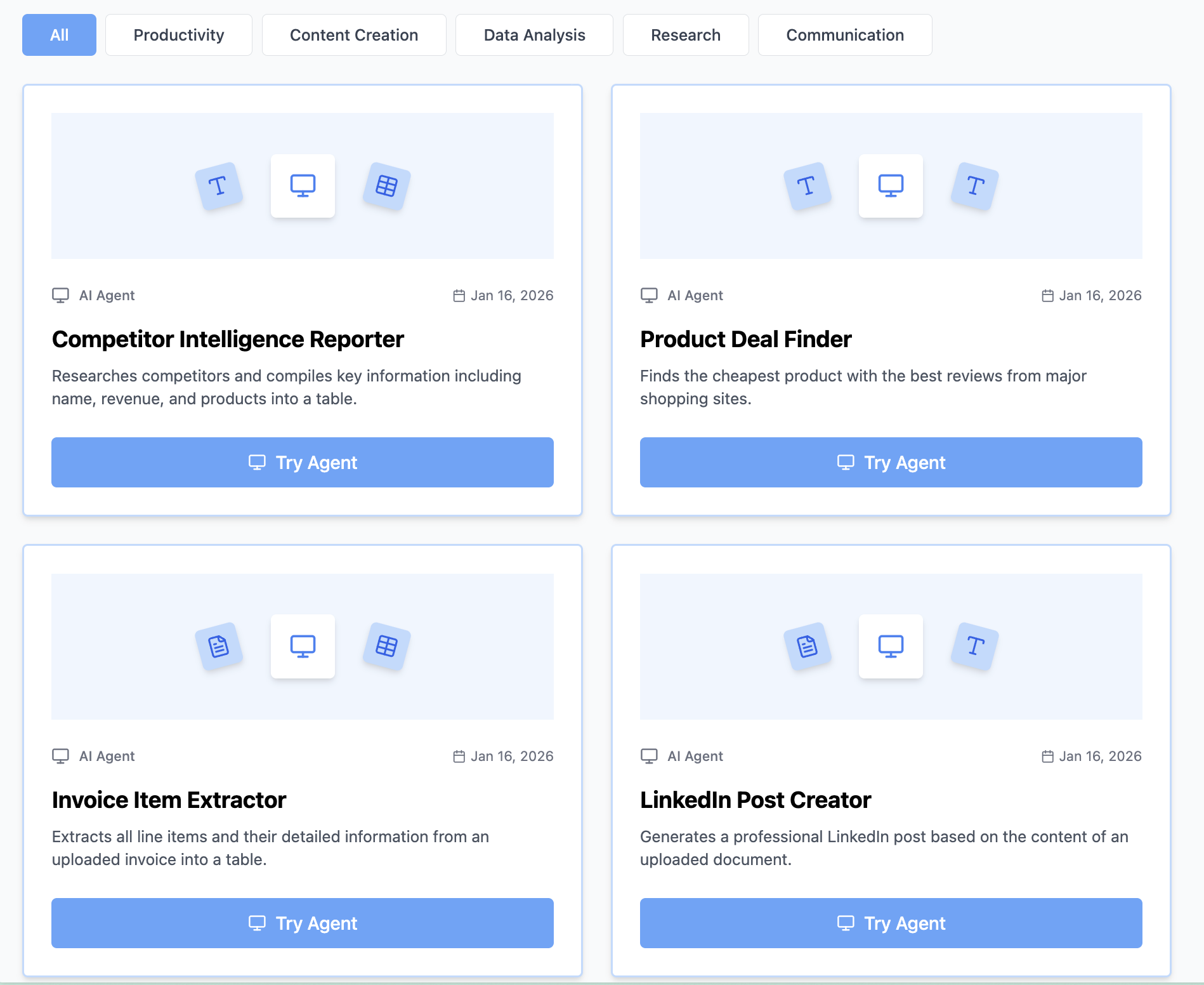
Think Miskies AI can't create the AI tool you need?
Tell us and we'll build it for you for free.
Create Your AI Tool in 3 Simple Steps
Select Your Input
Choose from docs, text, Excel, links, or any data source.
Edit the Instructions
Tweak the AI's behaviour to match your subject, grade level, or grading rubric.
Use It & Share It
Run your tool instantly and share a link with your students or colleagues.
Simple pricing, serious upgrade
Start free. Go Pro whenever you want to use more. Prices in USD.
Free
Try it out, no card needed
- Access to 100+ AI study tools
- Limited use - 5 times / day
- Create limited custom AI tools
Pro — 1 month
Full access, billed monthly
- Elevated access to all AI tools
- Create unlimited custom AI tools
- Faster generation speed
- Priority support
- Cancel anytime
Pro — 3 months
Best value for a semester
- Elevated access to all AI tools
- Create unlimited custom AI tools
- Faster generation speed
- Priority support
- Cancel anytime
Pro — 1 year
Best price per month
- Elevated access to all AI tools
- Create unlimited custom AI tools
- Faster generation speed
- Priority support
- Cancel anytime
What You Can Do With This Tool
Create change management bridge diagrams for transformation initiative kickoffs and stakeholder alignment
Visualize technology migration roadmaps for engineering planning and architecture decision records
Generate organizational change paths for HR transformation projects and culture initiatives
Illustrate strategic initiative timelines for board presentations and quarterly business reviews
Map process improvement journeys for operational excellence programs and lean transformations
Why Everyone's Using It
- Perfect for change management
- Shows clear transformation path
- Great for strategic planning
- Visualizes gap and solution
Frequently Asked Questions
What makes a good bridge diagram?
A good bridge shows clear current and future states, with realistic steps between them. It includes dependencies, timing, and what enables each transition step.
How many steps should the bridge contain?
Typical bridges have 5–7 transition steps. Too few misses the journey; too many becomes overwhelming. Group related steps together.
Who uses bridge diagrams?
Change managers, strategy consultants, project leaders, and transformation teams use bridges to communicate complex transitions to stakeholders.
Can I show risks or obstacles in a bridge?
Yes—annotate bridge steps with challenges, dependencies, or resource requirements to show a more realistic and thoughtful transition plan.