Decision Making Scale Generator - Weigh Options Visually
Generate balance scale diagrams that help teams make informed decisions by clearly visualizing pros, cons, risks, and benefits. Perfect for strategic planning, vendor selection, and investment decisions.
Drag & drop your file
or
PDF, Word, PowerPoint, text, or image files (max 10MB)
About Decision Making Scale Diagram - Pros vs Cons Analysis Tool
Example: Evaluating cloud providers (AWS vs Azure vs GCP)
You'd type something like: "Cost: AWS moderate, Azure higher, GCP lowest. Performance: All strong, AWS slightly ahead. Support: Azure strong, AWS good, GCP improving. Ecosystem: AWS dominant, Azure enterprise, GCP growing."
You'd get back: a multi-criteria scale showing each provider positioned on cost, performance, support, and ecosystem dimensions, making the trade-offs visual.
What makes this a unique AI tool:
Structured for decision analysis—shows not just rankings but the relative weight and balance between competing options and criteria.
100+ AI Tools for Students and Professionals
Or Create Your Own AI Tool in Seconds
How educators and students are using Miskies AI:
Aisha K: "I generated notes from a 2-hour lecture".
Tamara R: "I created a full quiz from a textbook chapter".
James R: "I got a visual breakdown of photosynthesis".
Sofia M: "I organised all my assignments in one place".
Amy P: "I turned a video documentary into lesson notes".
Aisha K: "I generated notes from a 2-hour lecture".
Tamara R: "I created a full quiz from a textbook chapter".
James R: "I got a visual breakdown of photosynthesis".
Sofia M: "I organised all my assignments in one place".
Amy P: "I turned a video documentary into lesson notes".
No code. No complexity. Just better learning.
See It in Action
It's really that easy to study with AI tools on Miskies AI.
Building an AI tool to review an uploaded resume based on your knowledge.
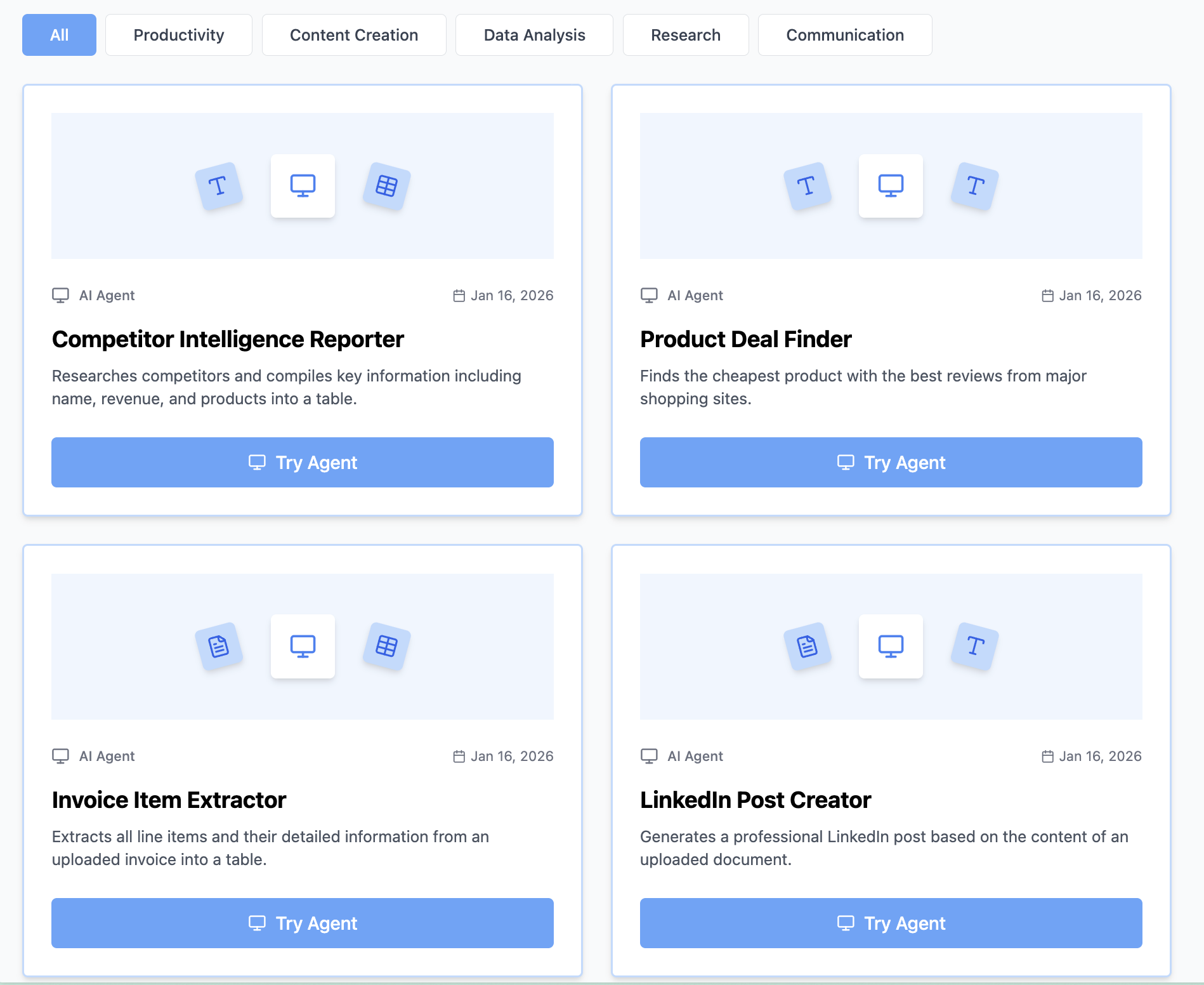
Think Miskies AI can't create the AI tool you need?
Tell us and we'll build it for you for free.
Create Your AI Tool in 3 Simple Steps
Select Your Input
Choose from docs, text, Excel, links, or any data source.
Edit the Instructions
Tweak the AI's behaviour to match your subject, grade level, or grading rubric.
Use It & Share It
Run your tool instantly and share a link with your students or colleagues.
Simple pricing, serious upgrade
Start free. Go Pro whenever you want to use more. Prices in USD.
Free
Try it out, no card needed
- Access to 100+ AI study tools
- Limited use - 5 times / day
- Create limited custom AI tools
Pro — 1 month
Full access, billed monthly
- Elevated access to all AI tools
- Create unlimited custom AI tools
- Faster generation speed
- Priority support
- Cancel anytime
Pro — 3 months
Best value for a semester
- Elevated access to all AI tools
- Create unlimited custom AI tools
- Faster generation speed
- Priority support
- Cancel anytime
Pro — 1 year
Best price per month
- Elevated access to all AI tools
- Create unlimited custom AI tools
- Faster generation speed
- Priority support
- Cancel anytime
What You Can Do With This Tool
Create executive decision memo scale diagrams showing strategic options with risks and benefits
Generate vendor selection analysis for procurement committee comparing finalists objectively
Visualize architecture decision trade-offs for technical design review and RFC approval
Develop investment decision frameworks for board presentations on major initiatives
Map product roadmap trade-offs for prioritization meetings balancing customer value vs effort
Why Everyone's Using It
- Helps teams align on decision criteria and trade-offs objectively
- Perfect for vendor selection, build vs buy analysis, and strategic investment decisions
- Visualizes competing priorities for stakeholder presentations and executive approvals
- Great for architecture decision records (ADRs) and technical design documents
- Export-ready for decision memos, RFPs, and business case presentations
Frequently Asked Questions
How do I weight different criteria?
Describe which factors matter most to your decision (e.g., "Cost is 40%, performance 30%, support 20%, ecosystem 10%") and we reflect that in positioning.
Is this better than a simple pros/cons list?
Yes—it shows not just trade-offs but relative importance. Visually, you instantly see where options stand.
Can I add more options after generating?
Yes, the format is easy to extend—add more columns and regenerate for additional options.
Should I share this with stakeholders?
Absolutely—it's an excellent communication tool for justifying decisions and showing you considered multiple factors.